
Apps for iPhone, Android, Windows and macOS
The subscription page detects your device and suggests an app. Need more devices? Add them in the bot

Set up in a couple of minutes through our Telegram bot. Five countries in one subscription, human support and 3 days free

One link turns on the VPN on your device. Everything else is already configured
The subscription page detects your device and suggests an app. Need more devices? Add them in the bot

Russian websites open directly, with your regular address. You can leave the VPN on

The VLESS and Hysteria 2 protocols keep you connected where older ones struggle

A real person answers. We help you install the app and sort things out if something goes wrong

The trial starts in the bot within a minute. No card details needed
Three steps. Setup usually takes a couple of minutes
Tap "Start" and choose the trial. The bot sends you a personal link
Open the link on the device where you need the VPN. The page suggests the right app
Go back to the page and tap "Add subscription". Pick a country and turn the VPN on
Every country is available from day one. The app shows which ones respond right now, and switching takes one tap

The main choice when connecting from Russia

A backup route and American services

For connecting from other countries

For connecting from other countries
Russian websites and services from abroad
Price per device. Every plan includes all countries and the browser extension
259 ₽
259 ₽ per month
559 ₽
186 ₽ per month
1,259 ₽
2,222 ₽
185 ₽ per month
A second and further devices are added in the bot. Each one is billed as a separate plan. Prices are in Russian roubles
Messages from our support chats, in Russian. Names are hidden
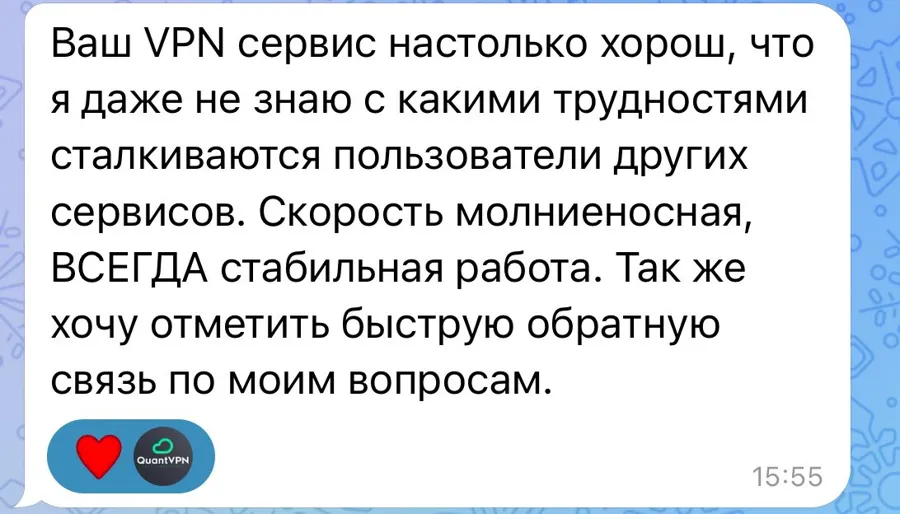
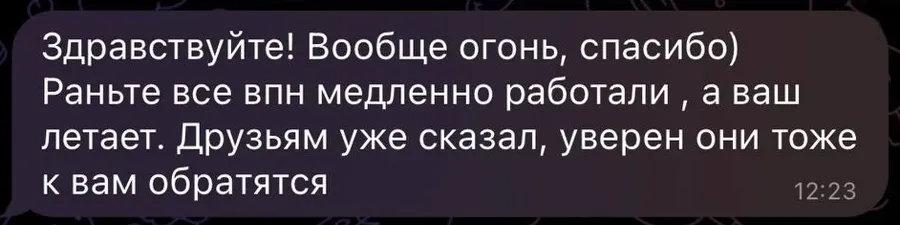
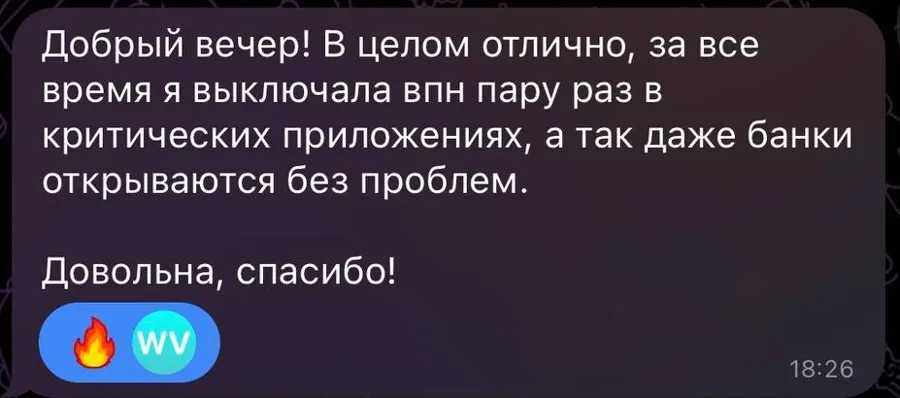
The extension for Firefox and Microsoft Edge is included in every subscription. Sign in with a code from the bot, no separate account needed

The data the service needs to work is listed in the Privacy Policy
We do not record which sites you open
Your messages, files and searches stay yours
YooKassa handles the payment, so the card number never reaches us
Step-by-step instructions for every device and answers to common situations
From starting the bot to a working VPN. Six steps, usually a couple of minutes
Open guide iPhone and iPadHow to set up QuantVPN on an iPhone and what to do if the app is not in the Russian App Store
Open guide AndroidSetting up QuantVPN on an Android phone or tablet with the Happ app
Open guide WindowsSetting up QuantVPN on a Windows computer and fixing common problems with administrator rights
Open guide macOSSetting up QuantVPN on a Mac with the FlClashX or Happ app
Open guide Firefox and EdgeHow to install the extension, sign in with a code from the bot and set up smart mode
Open guideNo. The trial starts in the bot for free and lasts 3 days. If you come from the browser extension, it lasts 7 days.
One paid plan covers one device. To connect a phone and a laptop, get two plans. The extension is included and works in two browsers.
Yes. Russian websites and banking apps go directly, with your regular address. You can leave the VPN on.
Happ and INCY are currently unavailable in the Russian App Store. An app you already installed keeps working, so do not delete it.
For a new install, change the App Store country. The steps are in the iPhone guide.
Update the subscription in the app and pick another country. If that does not help, message support and tell us your device and what you see on the screen. More in this guide.
In the bot: choose a plan and the bot sends a payment link through YooKassa. You will need an email for the receipt.
Yes. Within 15 days of payment we refund the full amount, no questions asked. Message support.
On Android TV and Apple TV the VPN runs through an app. Routers depend on the model: send it to support and we will tell you. More in this guide.
The button opens the Telegram bot @quantvpn23_bot. If you have questions during setup, support will help